macMCP
An MCP server that lets Claude, or any MCP client, see and operate native macOS apps: Slack, Spotify, Lark, anything with a window. It works through the accessibility tree, so it never takes your cursor or your focus, and it only touches the apps you have said it may.
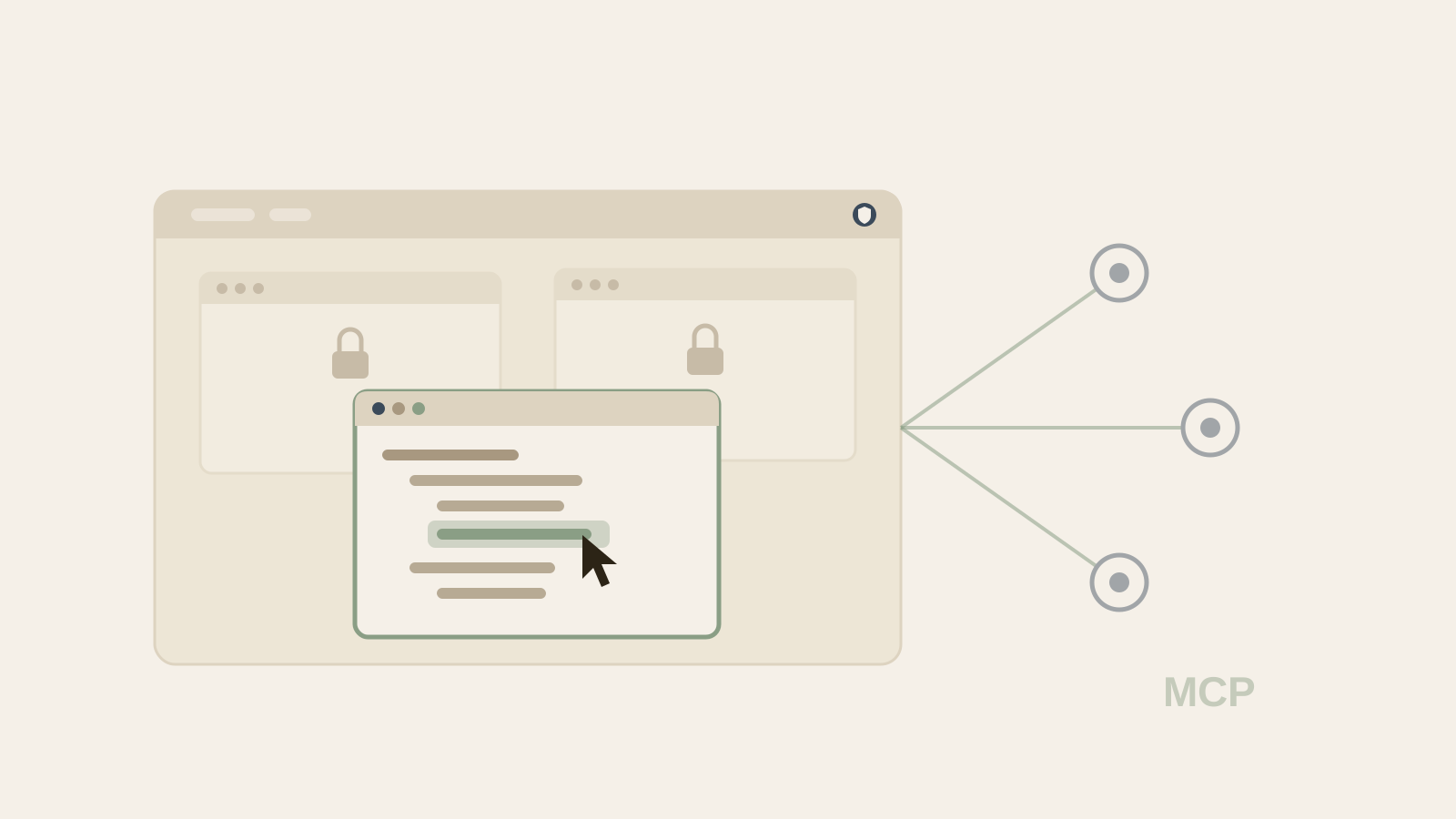
Why
Most ways of letting a model use a computer go through screenshots and mouse coordinates. That works anywhere, but it is slow, it guesses at what is on screen, and it fights you for the pointer while it runs. Native Mac apps already describe themselves to the accessibility system: every button, field and list has a role, a title and a value. macMCP reads that tree and acts on it directly, the way a screen reader would. It is the sister project to Safari MCP, which does the same for the browser.
How it works
There are two programs. macmcp is a thin stdio server that the MCP
client launches; it holds no permissions at all. macmcp-agent is a
small menu-bar app that stays running, owns the macOS Accessibility and Screen
Recording grants, and keeps the list of apps you have allowed. They talk over a
private unix socket, and any number of clients can share one agent.
Finding something is a breadth-first walk of an app's accessibility tree, matching
on role, title, value and description, and returning short references
(e1, e2) the model can act on in the next call. A click is
an accessibility press sent to the app's process, not a synthetic mouse event, so
the app does not even need to be in front. Electron and Chromium apps hide most of
their tree by default; macMCP asks them to expose it. Menus work on apps in the
background, including Electron apps whose in-window controls disappear when they
lose focus.
The tool set is nineteen calls: listing apps and windows, reading the interface,
finding elements, clicking, typing, scrolling, keys, menus, dragging, window
control, waiting for something to appear, screenshots, and the network connections
an app has open. mac_do runs a short sequence of those in one call,
because every round trip is another model turn. For the apps that have no usable
tree, games and custom-drawn interfaces, mac_computer falls back to
coordinates. A drag is the one action that has to bring a window forward, since it
needs a real mouse-down.
Access you grant, not access it takes
Every app starts with no access. Full access is granted per app, by bundle identifier, from a native Allow or Deny prompt or the menu-bar list, never from a tool call, so the model cannot grant itself anything. Allow has no keyboard shortcut and Escape means Deny. A grant is tied to the app's code-signing team, so if the app is replaced by something signed differently, the grant stops applying and you are asked again. Screenshots are limited to the granted app's own windows. The socket is readable only by you, inputs are clamped, and typed text is capped.
Network visibility stops at which connections an app has open. Capturing request bodies would mean a proxy extension, a trusted root certificate and a paid Apple entitlement, and it would still fail on apps that pin their certificates, so it is left out on purpose.
Where it stands
Version 0.2.0, Apache-2.0, written in Swift with no third-party dependencies. It
needs macOS 14 or later and builds and registers itself with Claude Code through
make install; no paid Apple developer account is required.